Solved Sub report is ruining the spacing on the main

breezett93

New member
Local time
Today, 16:50
Joined
Jun 7, 2021
Messages
20
It looks like the cause of the issue is the Application sub report. Here is how the report looks normally and is functioning properly:
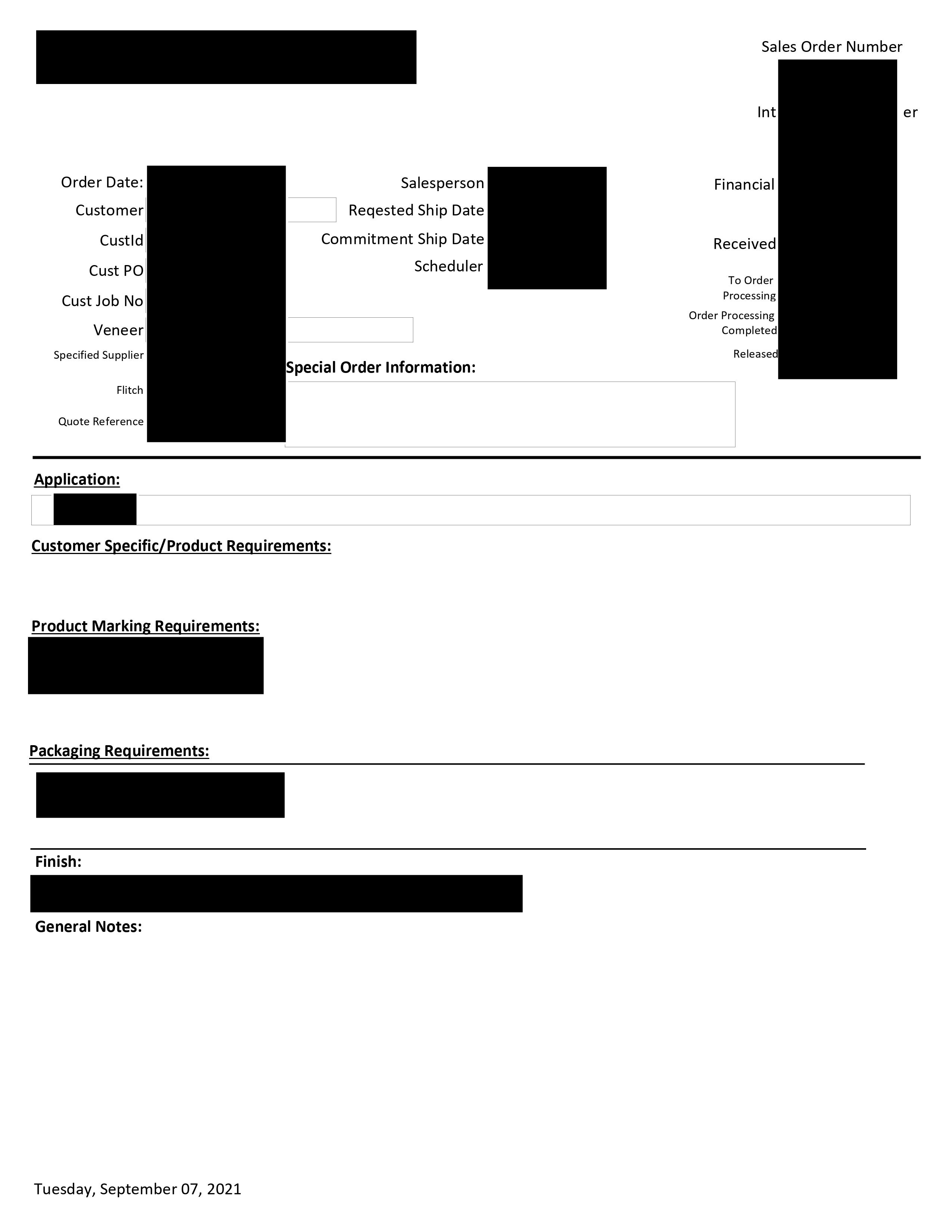
0001.jpg
Everything fits on one page.

Here is what happens when more than two items are in the Application sub report:
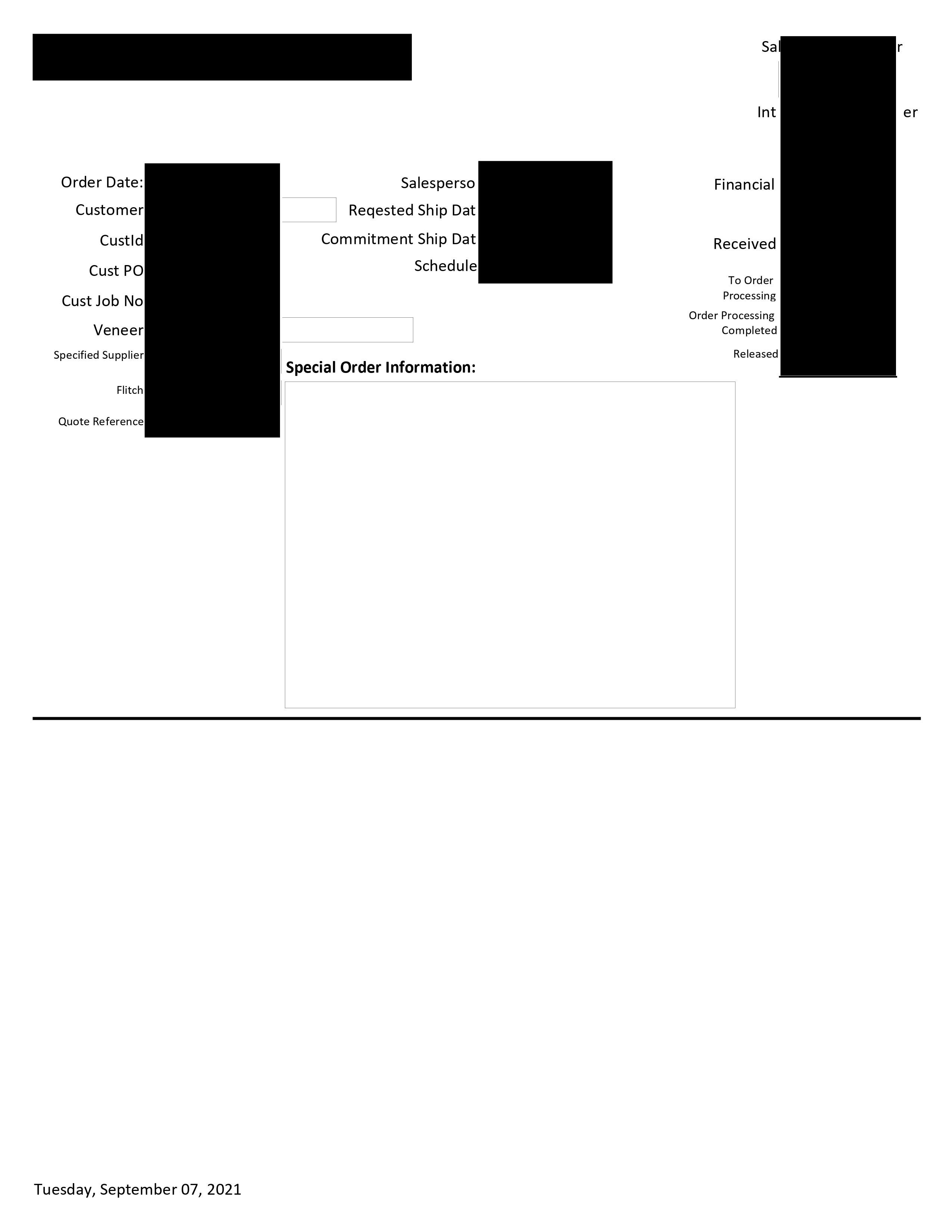
0001.jpg
0002.jpg
There is now a huge gap right above Application that shouldn't be there. I have confirmed that no blank characters were entered in the Special Info box. I've made changes to spacing but it doesn't seem to matter. Hopefully someone has experienced something similar and knows what the little fix is.

Thanks.
 
The first thing would be to look at the record source for that report to verify that the field feeding "Special Info" is actually blank/empty. That screen shot you showed us LOOKS like the "Special Info" box has the CanGrow property set to YES, and it grew. That would explain why things moved down. So the next question is: WHY did it grow? That is a rhetorical question - it grew because thinks it needs to, and that usually involves data being added somehow. So check the record source for that specific record. That would include hidden non-printing characters like the characters implied by vbCrLf, for example.

It is not clear where the page break is located, but you might wish to look for something just above the Application: label to see if there is something else dumping extra lines OR that is forcing alignment of that label to a specific height (vertical position, actually) on the form. Which would be the label's Top property, which is section-relative but IS affected by page feeds.
 
Not much to go on and what is the subreport - application? Which contains what controls?

what settings are you using? Particularly can grow is applied to what controls?
 
Sorry for the delay. Here is what the report looks like in Design View.
0001.jpg
0002.jpg


So, to answer some of the questions: @CJ Both Special Order Info and Application are subreports. Can Grow is enabled for both of them.
@Pat In Design View, there is no gap. There is just a change from OrdId Header to Detail. @DocMan The record source for both subreports is the same, meaning one query is retrieving the info for both of them. However, Special Order Info has controls with IIF statements that only show the relevant info. Does that explain why the box is growing?

Just to test, I disabled Can Grow for Special Order Info, and all the information fits on one page like it should. Is the solution to break up the query into two?

I'll add that I did not design this report. It was created before I started.
 
The gap appears only when the Application sub-report has more than record to display.
 

Users who are viewing this thread

Back
Top Bottom