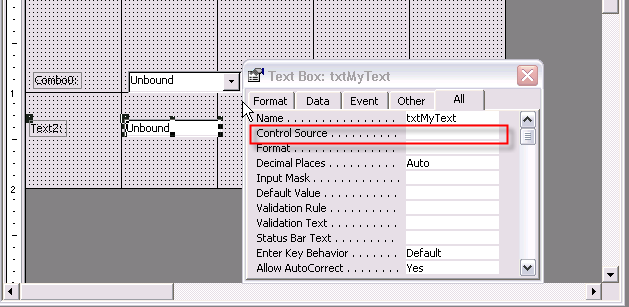
Hi i need somehelp with access, ive got a form with the stock ID stock level and re-order level, and i need to know how to make a button to add the stock level and re-order level together?? ive got the formual to add the fields together =[Stock Level]+[Re-Order Level] but once the equation has been done what doi add to the formula to get the answer to appear in the stock level field for that record, or am i going about this completely the wrong way, please reply here or message me e-mail or msn me at jonny524@hotmail.com desperately need some help

help adding two number fields together??
- Thread starter jonny524
- Start date

 apologies for not being clear
 ) I have done the same thing in the past (and probably still do, at times) in not using the proper terminology. So, hopefully you didn't take it as anything personal, just a clarification.