Ramnik
Registered User.
- Local time
- Today, 09:14
- Joined
- Jul 12, 2012
- Messages
- 145
Hi all,
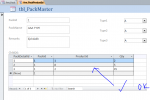
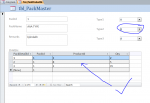
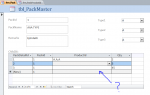
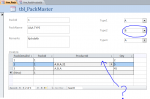
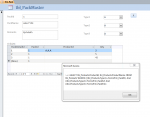
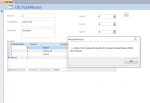
I am using master/child form for data entry for packings and the details for this packings (i.e. the products inside a packing is entered in subform and packing master is entered in main form ).
In the detail subform i use a productId field which has look up from 1000 products , so i want to filter that particular combo box based on different types from product master ( from which it choses the products).
How many ways are there to filter that combo box based on different types ( which i have in product master as type,design,material etc).
One way of which is combo boxes on main form.
For reference please visit this thread
http://www.access-programmers.co.uk/forums/showthread.php?t=261823
. One of experts advised me to start a new thread to find the answer. If you need , please visit my previous thread for my root question.
Thanks.
I am using master/child form for data entry for packings and the details for this packings (i.e. the products inside a packing is entered in subform and packing master is entered in main form ).
In the detail subform i use a productId field which has look up from 1000 products , so i want to filter that particular combo box based on different types from product master ( from which it choses the products).
How many ways are there to filter that combo box based on different types ( which i have in product master as type,design,material etc).
One way of which is combo boxes on main form.
For reference please visit this thread
http://www.access-programmers.co.uk/forums/showthread.php?t=261823
. One of experts advised me to start a new thread to find the answer. If you need , please visit my previous thread for my root question.
Thanks.