
strive4peace
AWF VIP
- Local time
- Today, 06:40
- Joined
- Apr 3, 2020
- Messages
- 1,060

Hi crystal.
As you know I played with this but had to give up as my method just didn't work
I was looking at the statements like If, Dim which I think always starts a line.
There are other constants in the public sub, private sub, public function, private function, end sub, end function
Good luck mick


@strive4peace that's correct. I used the ExtractEmailAddress() function from the website but used the pattern "\b\w+\b" for the above test.
thanks, Maj, I did. You have some great posts here -- I've marked some to study, such as what you've shared about treeviews and classes, which are always on my back-burnerI am no expert, but I would say definitely yes. I assume you need a pattern of only letters ending in a non letter character excluding numbers. I would pm @arnelgp . He seems to be the guru on regexp. I would have to play with it too long. There are some great resources on line where you can test your pattern.

Hi @strive4peace. Check out this previous post at UA where I replaced the pattern found using regex. Hope that helps...thanks, Maj, I did. You have some great posts here -- I've marked some to study, such as what you've shared about treeviews and classes, which are always on my back-burner
Now that I see how to get the words with Regular Expressions (thanks theDBguy especially, I would love to know ... perhaps there is a way to return the entire substring that was tested? with the outside text that wasn't counted in the word? ... and can I specify a replacement phrase in the regular expression? Small words like IN are everywhere!
If not, I guess an alternative is to loop through the original string, as RegExp finds them, and store more information. That would need to run in theDBguy's loop: For Each var In regExMatch
thank you for any insight you can share ... I want to understand whats happening too. I've gotten help with regular expressions before, but it just hasn't sunk in yet ... waiting for that light bulb to come on
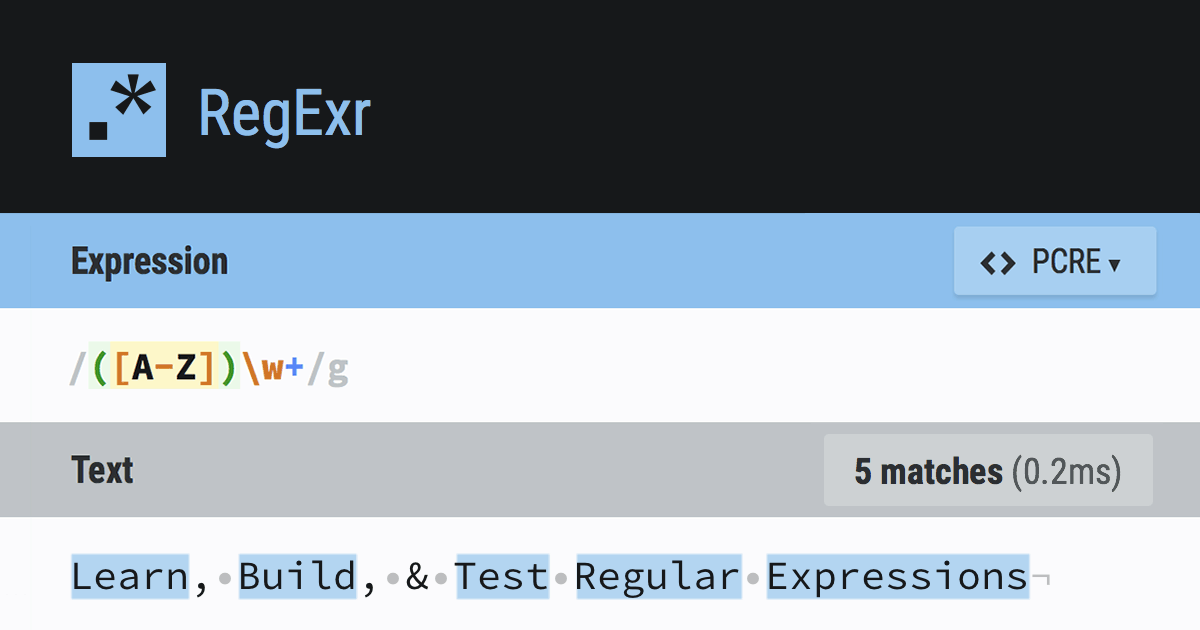
 regexr.com
Hi @strive4peace. Thanks for the info on the bad link. It's now fixed. That was because the website got moved to a new host. Cheers!thanks, theDBguy. btw, link is bad in "the code I had from here"
the problem with that code is that replace isn't position-dependent ... need to know where the word IS (can't just going replacing every occurrence of IN, for instance) ... hence knowing more than the word found by regExMatch would be helpful -- like the delimiters around it too. Would be nice to explore the object model, provided it can be found!

Public Function udfTerminatorChar(ByVal p As Variant) As Variant
    Const sPattern As String = "(.)*"
    If Trim(p & "") = "" Then Exit Function
    With CreateObject("VBScript.RegExp")
        .Global = True
        .IgnoreCase = True
        .Pattern = sPattern
        'Debug.Print .test(p)
        p = .Replace(p, "$1")
    End With
    While InStr(p, "  ")
        p = Replace(p, "  ", " ")
    Wend
    udfTerminatorChar = p
End Functionon your post #1, are those separate words? YES
what results do you expect? To know what the words are, and what character(s) are around them
...

Sent!John,
I'll take a copy please.

Received. Thank you John.Sent!

Me too, please. Email in my sig. PM sent. Grazie mille!I downloaded this book a while back in a vain attempt to master regex...and the quest continues.I've attached it in case anyone else wants to embark on this journey.
The file is too large to attach - even zipped. If you are interested, send me a PM with your e-mail and I'll send it on.


